PDF Toolkit: Scan, Edit, Convert & Manage PDFs Offline
Product Overview
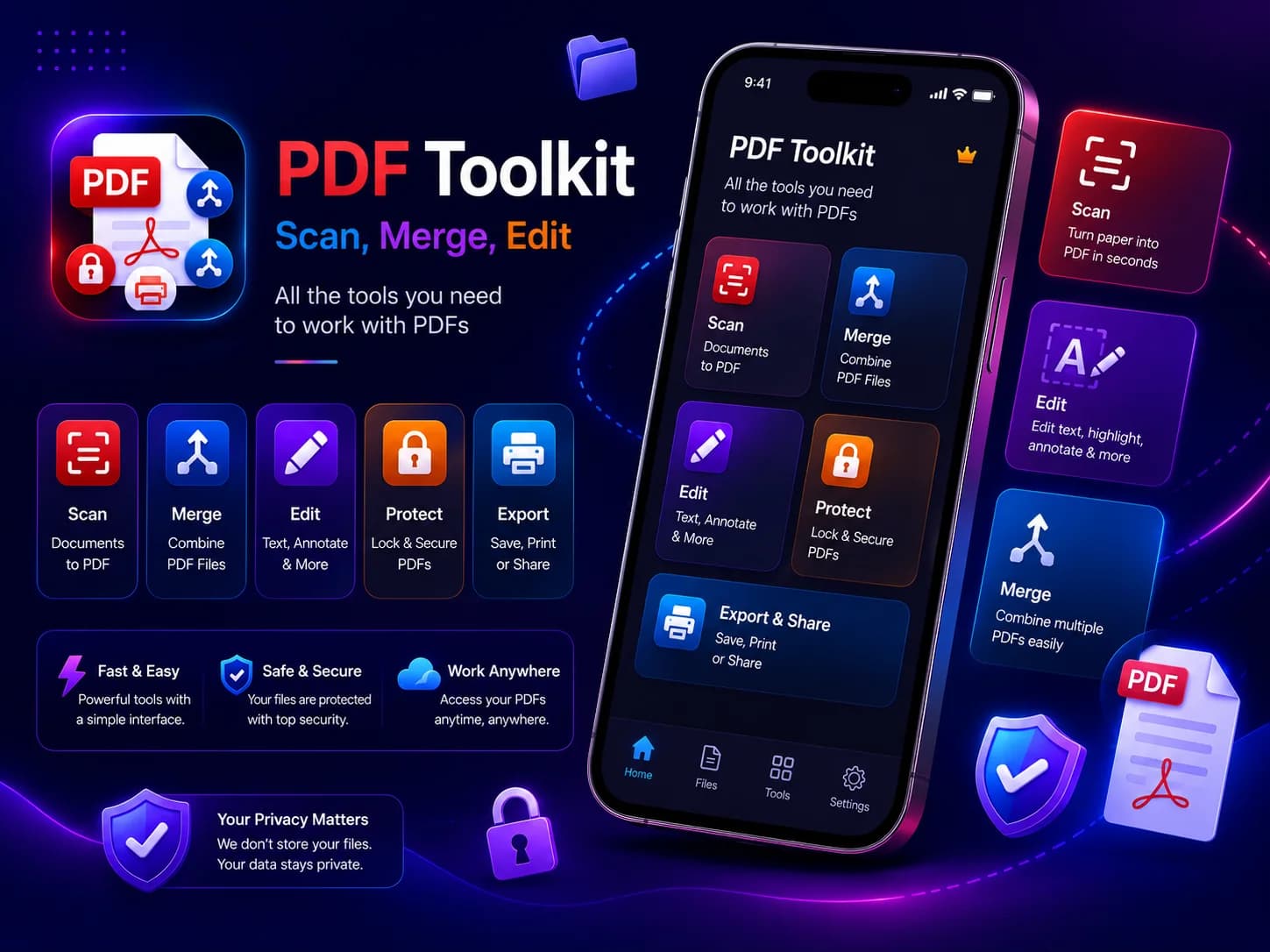
PDF Toolkit was developed as a complete offline PDF and document management solution. All core document operations are performed locally on the device, keeping users' files and document data within the application environment.
The application supports document scanning, ID card scanning, image-to-PDF conversion, PDF merging, splitting, page organization, PDF conversion, OCR, summarization, compression, password protection, editing, stamping, signing, and form filling.
Users can also manage their documents through an in-app Files workspace with folders, local search, History, an in-app PDF viewer, sharing, and Save Copy functionality.
Fully Offline PDF Processing
Privacy was a core part of the product architecture.
PDF Toolkit does not require cloud processing for its core document workflows. PDFs, scanned documents, OCR processing, summaries, and Smart Assistant functionality are handled locally on the device.
This means users can work with sensitive documents without uploading them to an external cloud service.
Project Blueprint
Product Walkthrough
Live App Simulator
Interact with the world clocks. Try searching for other global cities (like London, Los Angeles, or Tokyo) to add them to your planner, and drag the reference timeline slider to synchronize hours globally in real time.
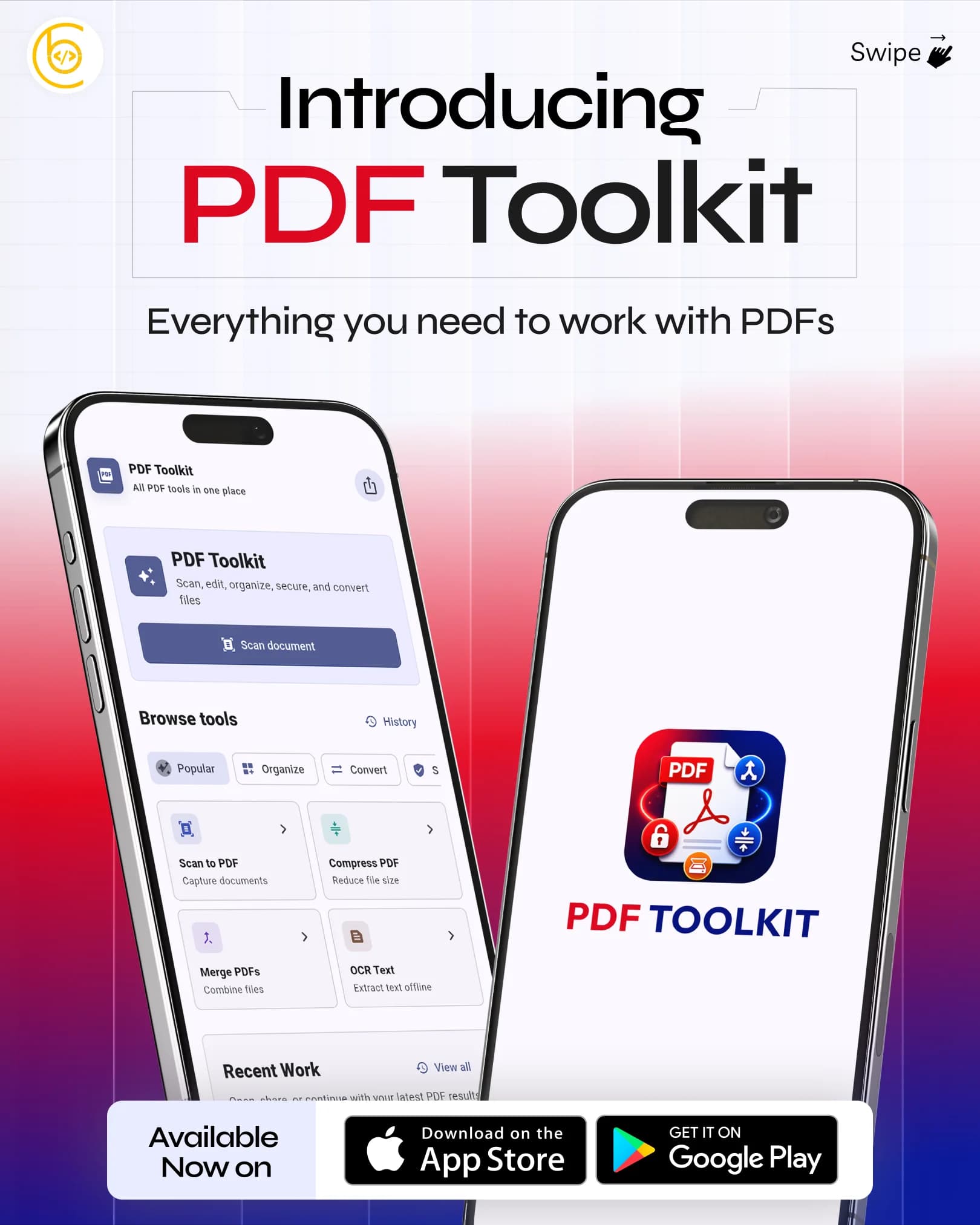
PDF Toolkit
All PDF tools in one place
PDF Toolkit
Scan, edit, organize, secure, and convert files
Browse tools
Recent Work
Open, share, or continue with your latest PDF results.
No recent work yet
Project Features & Strategy
Key Benefits
- No cloud upload for document processing
- PDF files remain on the user's device
- On-device OCR
- On-device document search
- Offline PDF editing and organization
- Offline compression and conversion
- Offline document scanning
- Offline Smart Assistant guidance
- Local document library and History
Scan Documents & ID Cards
- Document scanning
- Single-side ID card scanning
- Double-side ID card scanning
- Up to 50-page document scans
- Multiple scan filters
- Gallery-based scanning
- Images to PDF
- ID cards saved as PDF or photos
Organize PDFs
- Merge PDFs
- Split PDFs
- Extract selected pages
- Split documents by page ranges
- Reorder pages
- Duplicate pages
- Remove pages
- Rotate pages
Convert & Extract
- PDF to JPG
- PDF to PNG
- PDF to DOCX
- PDF to PPTX
- PDF to TXT
- PDF to HTML
- OCR text extraction
- Searchable PDF creation
- PDF summarization
Secure PDF Documents
- Unlock password-protected PDFs
- Protect PDFs with passwords
- Compress PDFs
- Compare compressed file size
- Create new copies without modifying the original document
Edit, Sign & Fill PDFs
- Add text
- Draw on PDFs
- Highlight content
- Add images
- Add shapes and arrows
- Whiteout content
- Add watermarks
- Add page numbers
- Add signatures
- Reuse saved signatures
- Fill PDF forms
- Add dates and checkboxes
Final Results
This PDF Toolkit project successfully delivered a complete offline PDF management solution with powerful document utilities and modern usability. Through optimized performance, secure local processing, and an intuitive interface, the application provided users with a reliable and efficient way to manage PDF documents anytime and anywhere.
Ready to Build Something
That Actually Works?
Stop patching legacy code. Let's engineer a platform that scales with your ambition.