PDF Toolkit - the offline document app we build and publish
Need the same stack on your project? Hire Flutter developers in India.
Planning an app? See how we build mobile apps. Running an agency? We build them under your name as white-label apps.
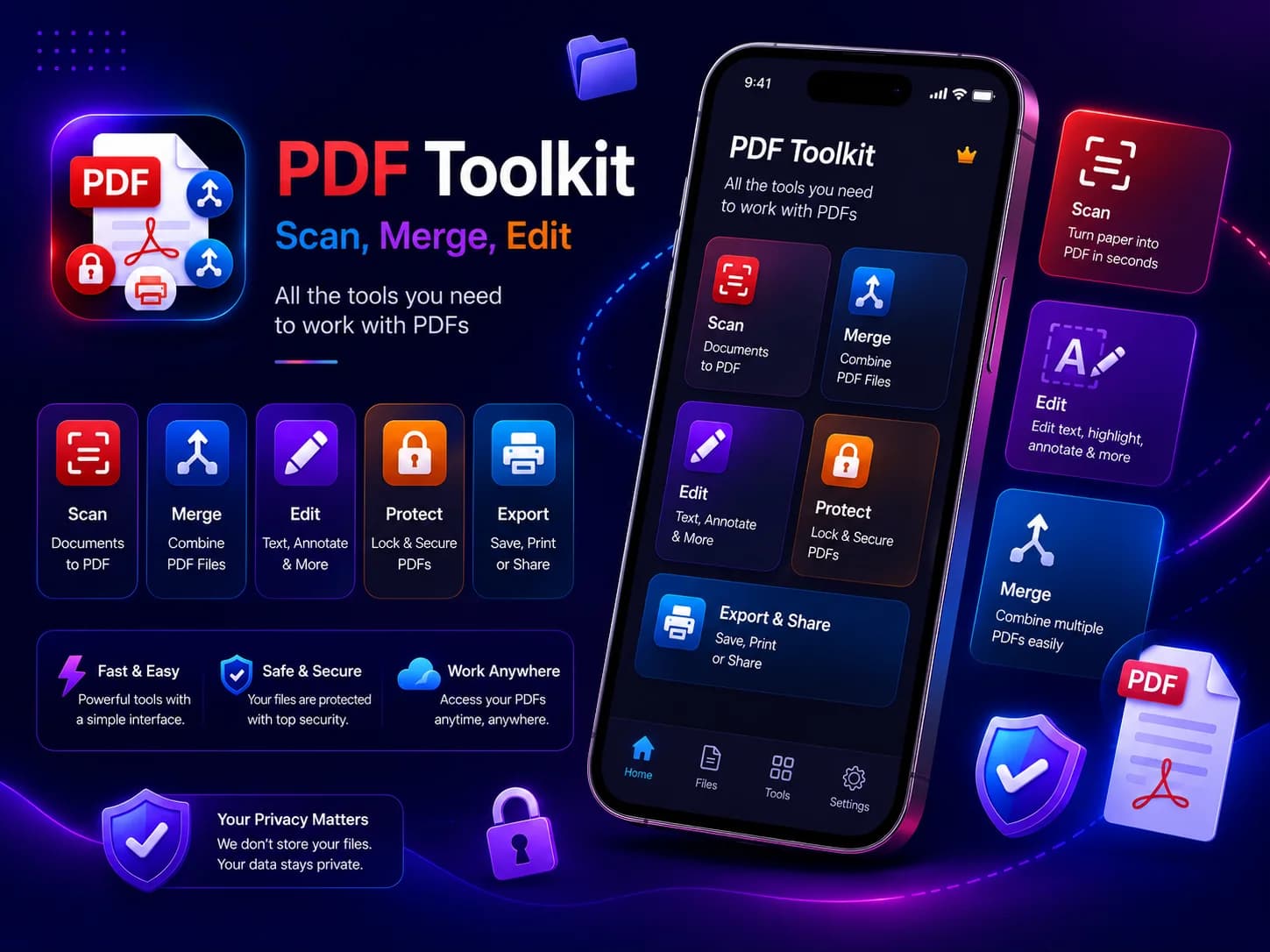
We built this app for ourselves and publish it under our own name. It is live, and you can install it now.
Why the offline version is the harder build
Most consumer PDF apps upload the file, run the tool on a server and send a result back. That design is far simpler: the phone becomes a camera and a progress bar. It is also a privacy and connectivity problem, and it is the reason most document apps cannot answer the question a regulated client actually asks.
This one takes the other path, and pays for it in download size. In the Android 1.0.0 bundle we measured in September 2026, the bundled text-recognition models came to 5,404,582 bytes and the native recognition pipeline to a further 11,064,544 — roughly a third of the release, spent so that a scanned page never has to be posted anywhere.
The four problems that took the time
A locked PDF sitting in front of every other tool
Merge, compress, OCR, export, split, sign — every one of them fails on an encrypted file, and each failing in its own way is a bad product. Detection is a byte scan for the /Encrypt token rather than a full parse, which is fast and needs no password, and is deliberately a heuristic: a PDF that merely mentions the token is treated as protected. One shared helper shows the unlock prompt, routes to the password screen carrying the action the user originally wanted, and resumes it on the unlocked copy afterwards. Unlock is not password recovery — it needs the password the user already has.
Three PDF libraries and two native bridges
Syncfusion manipulates documents (merge, split, rotate, stamp, forms, security), pdfx renders pages to images for thumbnails and export, and the Dart pdf package builds new documents from scans and OCR output. Underneath that, unlock runs natively — iText on Android, PDFKit on iOS — and compression uses PDFBox on Android and a PDFKit redraw on iOS. Heavy cryptography and image recompression belong on the platform stacks and off the UI isolate; that split is why the app stays responsive on a 200-page file.
Keeping the interface alive while the work happens
Scan filters and searchable-PDF assembly run in Dart isolates. Compression runs on a native background thread and posts its result back. Rendered pages are closed in finally blocks rather than left to the garbage collector. None of this is visible in a screenshot, and all of it is the difference between an app that works on a real document and a demo that works on a three-page one.
OCR, and what keeping it local costs
Recognition uses ML Kit's on-device text recognition. A PDF page is rendered at twice its natural size to a JPEG at quality 82, written to a temporary file, and recognised from there. Exporting a searchable PDF stacks the recognised text over the page image at one per cent opacity, downsampled to a longest side of 1800 pixels. The cost is honest and worth naming: every recognised page keeps its image in memory for the session, and there is no page limit on the input.
The same trade, a bigger build in exchange for nothing leaving, applies to audio: speech to text that keeps the recording on your own server.
What shipping it actually involved
Two store review processes, privacy manifests and data-safety declarations, and releases since launch. The Android release ships arm64 only, with a pinned NDK, for 16 KB page-size devices. Storage and media permissions are stripped from the manifest by name — file and photo access goes through the system pickers instead, so the app never asks for the whole library. Document scanning on Android uses Google Play services' scanner component, which is worth stating plainly rather than describing the app as entirely self-contained.
We also published what we got wrong. A dependency four levels down had merged an internet permission into the shipped Android build while our own manifest asked for none; we found it, wrote it up from the build artefacts, and fixed it. The full account is here: why your Android app has permissions you never wrote.
What it does
Scan and create
- Document scanning, up to 50 pages
- Single and double-sided ID card capture
- Multiple scan filters
- Images to PDF from gallery or camera
Organise
- Merge and split
- Extract pages, or split by range
- Reorder, duplicate, rotate and remove pages
Convert and extract
- PDF to JPG or PNG
- PDF to DOCX, PPTX and TXT
- PDF to HTML
- OCR text extraction and searchable PDF export
- On-device extractive summaries
Secure, edit and sign
- Unlock and password-protect
- Compress, with a before-and-after size
- Text, drawing, highlight, shapes and whiteout
- Watermarks, page numbers and stamps
- Signatures, reusable across documents
- Form filling, with field detection and flattening
What it does not do
A capability list with no limits in it is a brochure. These are the edges, and they are in the product on purpose.
- HTML export is the selectable text, laid out readably. It does not reproduce the original columns, fonts or images.
- A searchable PDF carries one low-opacity text block per page, not word-aligned boxes, so highlights in another reader will not land on the exact word.
- DOCX and PPTX exports place page images into Office files. They preserve the look, not an editable text layout.
- Unlock requires the password the user already has. It does not recover or crack anything.
- Text-only PDFs barely shrink under compression — there are no images to recompress.
- OCR covers Latin, Devanagari, Chinese, Japanese and Korean. Arabic, Cyrillic and Thai are not offered.
Check it rather than take our word for it
Install it from either store and use it on a document that matters to you. On a wider display, screens from the app sit beside this write-up: tap any one to enlarge it. On a phone, the store buttons at the top of the page open both listings, with their own screens. Then read the permission audit, which is the part most agencies would have quietly fixed instead of publishing.
If you are deciding whether to hire a team, an app you can install and break is a better test than a case study written by the people who built it.
If that is the standard you want on your own project, we take on builds from US$4,000, and a dedicated developer starts at US$2,000 a month, depending on the stack. Tell us what isn't working and we will tell you what it would take to fix — twenty minutes, no deck.