Outsource WordPress Development: How Do You Keep the Client?
- November 5, 2026
- 8 min read

Co-Founder, Boffin Coders
To outsource WordPress development without losing the client, keep three things in your agency's or your client's name: the accounts (domain, hosting, the first administrator and the code repository), the paid licences, and every public sign of who built the site. Brief the partner on the build approach before any code is written. Have them work on a staging copy only you can open. Check the theme file, the footer and the users list before launch, and pay once you have reviewed the work.
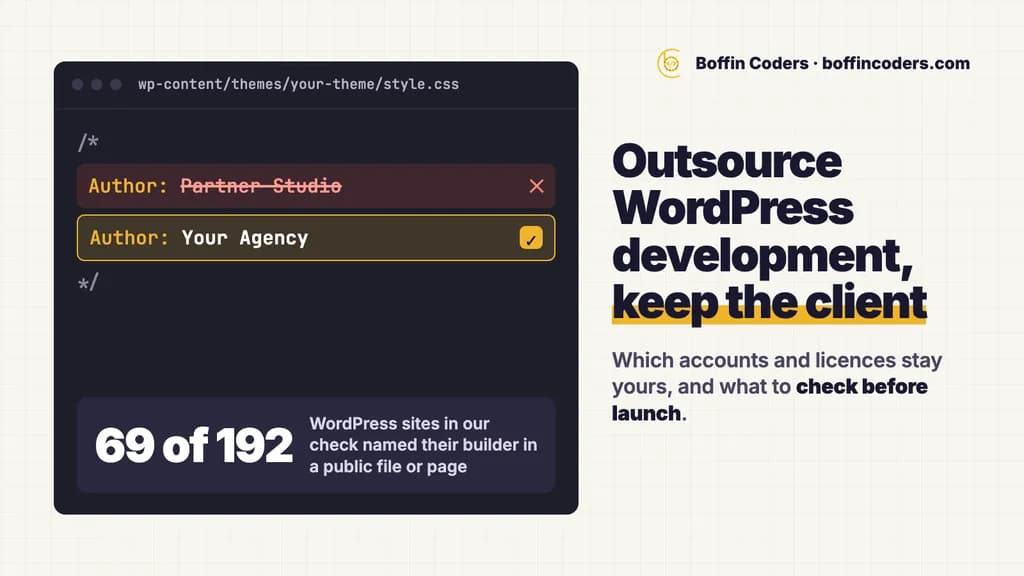
On 3 November 2026 we read the home pages of 357 of the 424 businesses that Google Maps lists for accountants, dentists and plumbers in eight cities across the US, the UK, Canada and Australia. Of those, 192 run WordPress, and on 69 of the 192 a public file or page named the studio, freelancer or marketing firm behind the site.
What does a WordPress site show about who built it?
A WordPress site can name its builder in three public places: the theme's stylesheet header, a credit in the footer, and the list of user accounts it publishes at a fixed address. Anyone can open them in a browser, your client included, and none of them needs a login. This is what the three places showed on the 192 WordPress sites in our check:
Where it shows | What it can say | WordPress sites out of 192 |
|---|---|---|
The theme's | The Author and Author URI lines | 44 named the firm or freelancer that built the site. 173 named an author of some kind, most often the company that sells the theme |
A footer credit | "Website by" or "Designed by" with a link | 18 linked to another company |
The users list at | The accounts that have published content | 110 answered with a list, 282 accounts in all. On 16, an account name had a word such as web, design, digital, agency or studio in it |
Any of the three | 69 |
For a visitor who is not logged in, the users list shows only the accounts that have published content, such as a post or a page. So when a partner's developer builds the pages under their own account, their name goes public with the first page they publish.
To see one of your own sites the way your client can, open these two addresses with your domain and your theme's folder name in place of the examples:
1https://example.com/wp-json/wp/v2/users
2https://example.com/wp-content/themes/your-theme/style.css
Which parts of a WordPress build can a partner take on?
A partner can take on everything between your signed-off design and the launch: the theme, the page templates or builder layouts, custom post types and fields, forms, integrations, the move of content from the old site and the speed work. You keep the client, the design approval, the choice of plugins and the call on when the site goes live. That split keeps WordPress outsourcing safe for your client relationship, because each part the partner builds can be checked on staging before your client sees it.
Before any code, the brief should name the build approach, the plugins the site may use, who edits which pages after launch, and the pages that earn the client money. With a new partner, sign the confidentiality contract before the brief goes out.
Theme, page builder or blocks: which should the brief name?
The build approach decides what your client pays for every year and how hard the site is to change later. Name it in the brief, so the partner does not choose it for you:
Approach | Who edits pages after launch | What it adds to the running costs | What to watch |
|---|---|---|---|
A custom block theme | Editors use the standard WordPress editor with your own blocks and patterns | No builder licence | New layouts need a developer |
A child theme of a theme sold by licence | Editors use the theme's own options | The theme's licence renewal | Changes belong in the child theme, so parent updates do not wipe them |
A page builder | Editors drag and drop in the builder | A builder licence for the site | The layouts live in the builder, so leaving it later means rebuilding them |
Page builders are common on client sites: 87 of the 192 WordPress sites in our check load a page builder sold by licence, most often Elementor Pro (49 sites) and Divi (18), so the licence is one of the first things to settle.
What should you keep when you outsource WordPress development?
Keep every account and licence in your agency's name or your client's, and give the partner its own named access to each. Then, if the arrangement ends, you remove their users and ask for nothing back. Our post on who should own each account a project needs covers the general rule. For a WordPress build, these are the items to set up before the first commit:
Item | Whose name it is in | What the partner gets |
|---|---|---|
Domain and DNS | Your client | Nothing, or DNS access on launch day only |
Hosting and the staging copy | Your client or your agency | Its own user on the host |
WordPress administrator | Your client holds the first administrator account | One named account per developer, removed at handover |
Code repository for the theme and custom plugins | Your agency | Write access to the repository |
Page builder and plugin licences | Your agency or your client | The licence key, entered on the site |
Email sending for forms | Your client's domain | Access to the settings only |
Analytics and Search Console | Your client | Read access, if the work needs it |
Licences are the easy one to miss, because a developer can buy one in a minute to keep the work moving. A licence bought on the partner's account leaves the key, the renewal and the invoice with them, so the site depends on the partner after you part ways. Buy the licence yourself, in your agency's or your client's account, and send the partner the key.
How do you keep the partner's name off a WordPress site?
Agree in the brief that nothing the partner ships names the partner, then check the places a name usually appears before launch. In our check, the theme header named the builder on more sites than the footer did, 44 against 18:
- Set the theme header to your agency. WordPress reads the Author line of
style.cssas the person or organisation who developed the theme. Put your agency in the Author and Author URI lines, and name the theme folder after the project or the client. - Publish nothing under the partner's accounts. Pages are created under your agency's or your client's user. When you delete a developer's account at handover, WordPress asks what should happen to the posts and links that account owns. Choose to give them to your client's user, never to delete them.
- Keep the footer credit yours. If the site carries a credit at all, it names your agency.
- Send form emails from your client's domain. Contact form notifications and replies come from an address on the client's domain, so no message reaches your client from the partner.
- Check the login screen and the dashboard. The login page, the admin dashboard and any help links show your agency or nothing, never the partner's logo or support address.
Is white-label WordPress work fair to your client?
Outsourcing WordPress development does not change who answers for the site: your client buys it from your agency, and your agency answers for it. A partner who builds under your name is a supplier, in the same way your host or your theme seller is. Your client is owed the truth about ownership: who holds the code, the accounts and the licences. The table in the section on what you should keep puts all three in their name or yours. If your contract with the client says who may work on the site, follow it.
How do you check a partner's WordPress code before launch?
Check the code in your repository first, then the plugins on staging, then the site's public files, before your client sees anything. In that order, a problem turns up before it sits on a page your client can open:
- Every change arrives as a commit in your repository, with a short note on what changed and how it was tested.
- No edits to WordPress core, a parent theme or a third-party plugin. Changes live in a child theme, a custom theme or a small custom plugin, so updates do not wipe them.
- The PHP passes the WordPress Coding Standards, which the WordPress project publishes as PHP_CodeSniffer rules you can run on every commit.
- Output is escaped when it is printed, the way WordPress's own security handbook asks.
- Every plugin on staging is on the list you agreed, with its licence key from your account.
- The theme header, the footer and the users list show your agency or your client.
- A person on your team fills in every form and runs every checkout on staging.
What does WordPress development outsourcing cost?
WordPress development outsourcing is priced in three ways: a fixed price per site, a price per sprint, or a developer by the month. A fixed price suits one site with a clear brief. Sprints and monthly developers suit an agency with WordPress work every month, because the capacity is booked before the work arrives. To see whether the numbers work for your agency, run the sum in our guide to how you outsource web development for agencies: your price to the client, the partner's price and your own hours on the brief and the review.
WordPress work with Boffin Coders is US$12-25 an hour, by seniority and the complexity of the work. A WordPress developer on your book by the month starts from US$2,000 a month, with no minimum term and a month's notice either way, and agency sprints are US$2,000 per two-week sprint. The invoice comes after you have seen the work. Our longest clients have stayed with us since 2017.
If you would rather hand your next WordPress build to a partner that works this way, our page on white label WordPress development shows how it runs under your brand.
Keep reading
Jyoti
Co-Founder, Boffin Coders
Jyoti co-founded Boffin Coders and looks after client relationships and how projects run from first call to handover. Jyoti writes about hiring, process and what makes a development partnership work.
Frequently asked questions
WordPress outsourcing for an agency works like this: you keep the client, the design approval and the launch, and a partner builds the theme, layouts, forms and integrations on a staging copy under your name. Each change arrives in your repository, you review it on staging, and you pay once you have seen the work.
Not answered here?
Need this built?
We build websites and apps for businesses, and work behind digital agencies as their development team. Tell us where things stand on a 20-minute call.